

Ticket System Setup
Telegram CRM for Support Teams: Assigning Ticket Priority Levels
Telegram CRM for Support Teams: Assigning Ticket Priority Levels The Problem: Every Ticket Feels Urgent Until It Isn't You're managing a Tel…
🔥 Free Telegram CRM for support and sales teams.
Learn how to set up and optimize ticket systems in Telegram CRM for support teams, including topic groups, priority levels, and automated routing.
Telegram CRM for Support Teams: Assigning Ticket Priority Levels The Problem: Every Ticket Feels Urgent Until It Isn't You're managing a Tel…

Implementing Ticket Collaboration Tools for Team Efficiency The operational demands placed on customer support teams have intensified as com…

Managing Customer Profiles and History Customer Profile A customer profile is a centralized record containing identifying information, conta…

Training Agents on Ticket Workflow Tools: A Practical Case Study in Telegram CRM Adoption *The following scenario is illustrative and uses f…

Setting Up Ticket Workflow for 24/7 Support: A Case Study in Telegram CRM Implementation *The following scenario is illustrative and based o…
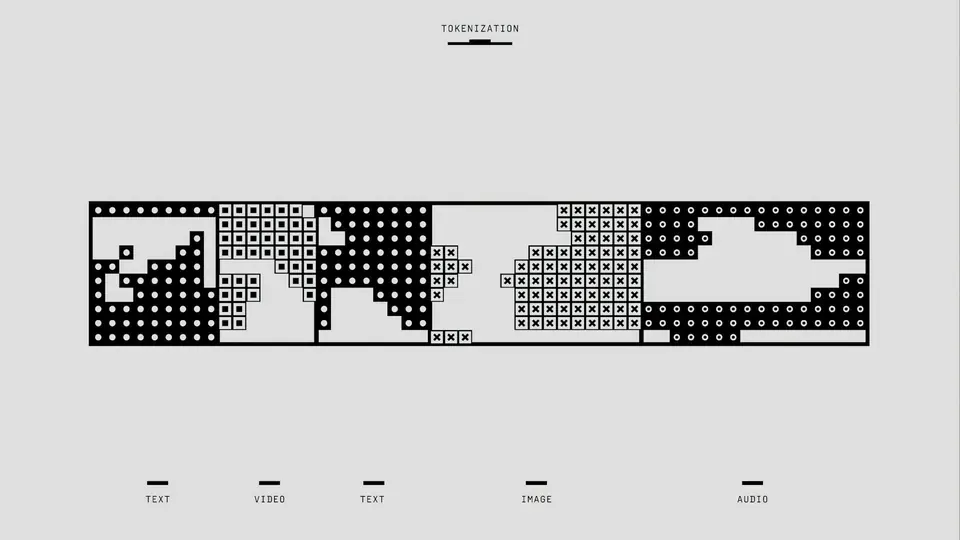
Integrating with Third-Party Tools and APIs A modern support team operating within a Telegram Topic Group environment quickly discovers that…

Ensuring Data Privacy and Compliance “Wait, Did That Ticket Contain Customer PII?” You’re three weeks into running support through a Telegra…

Conducting Ticket Audits for Quality Assurance When you're running support through a Telegram Topic Group, the line between a quick reply an…
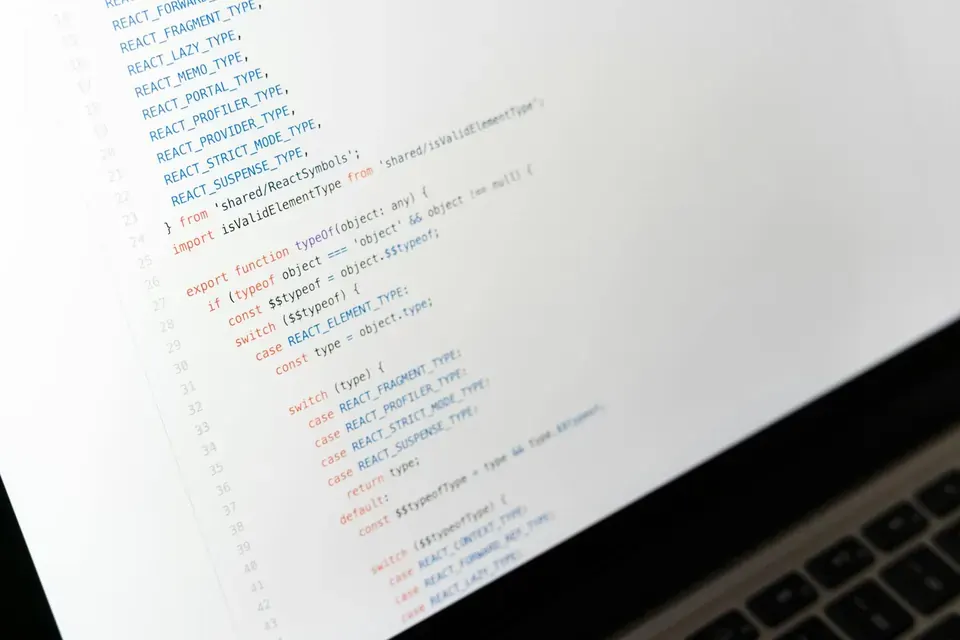
Setting Up Notifications and Alerts for Your Telegram CRM Support Team You’ve set up your Telegram Topic Group, configured your bot intake f…

Managing Escalations and Supervisor Intervention The Symptom: A Ticket That Won't Budge You’ve got a support ticket sitting in the queue. It…

Setting Up Ticket Queues for Different Teams Effective support operations in a Telegram-based environment require a deliberate approach to t…

Automating Satisfaction Surveys Customer satisfaction surveys have long been the standard mechanism for measuring support quality, yet their…